Personal Computing Has a New Meaning
I take vocal lessons, and one of the skills is controlling volume at different pitches. Our brains can make us think we're at one volume when we're actually at another, so it can help to have a decibel meter for reference. I was gonna buy something like this:
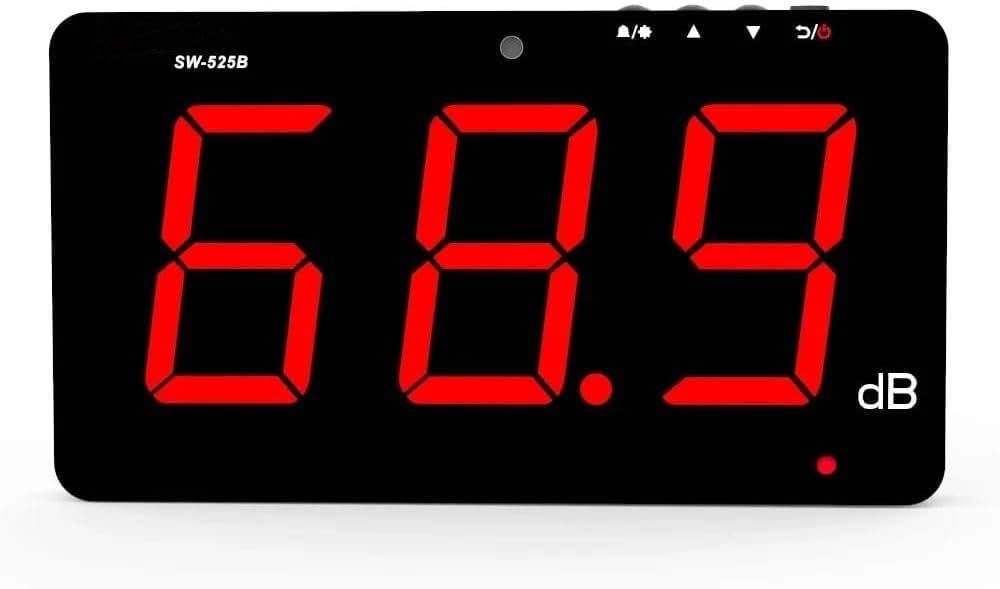
I used Claude to do some research with this prompt:
I want a standalone dB level meter I can use in my home studio to show me a rolling time window graph of sound level. Are there products for this?
It gave me a couple hardware and software suggestions, but at the bottom of the results was this:
DIY/Raspberry Pi Options
You could also build one with a calibrated USB microphone and a Raspberry Pi displaying a rolling graph—happy to help with that if you're interested.
Hell yeah! That sounds like fun. This became my shopping list:
- Display: Hosyond 7 Inch IPS 1024×600 Capacitive Screen HDMI Monitor Compatible with Raspberry Pi. I've never used a display with a Pi before and had no idea if this would work well. (spoiler: it did)
- Raspberry Pi: Pi 5 with 4GB RAM. Maybe a little overkill, but a quad-core processor with 4GB of RAM for $85 seems cheap.
- Power Supply: Raspberry Pi 27W USB-C PSU. $12 at Micro Center. I'm sure others work, but I heard the OEM power supply is more stable than others.
- Storage: I had a 128GB Micro SD card lying around already, but those cost about $40 if you need one.
- Microphone: MillSO USB Microphone - 1 FT. $17. Again, I had no idea if this would work, knew I wanted a microphone that could peek over the monitor and not be buried in the back of the monitor.
I figured I might be duct taping the Pi to the back of the monitor, but I was about to be pleasantly surprised.
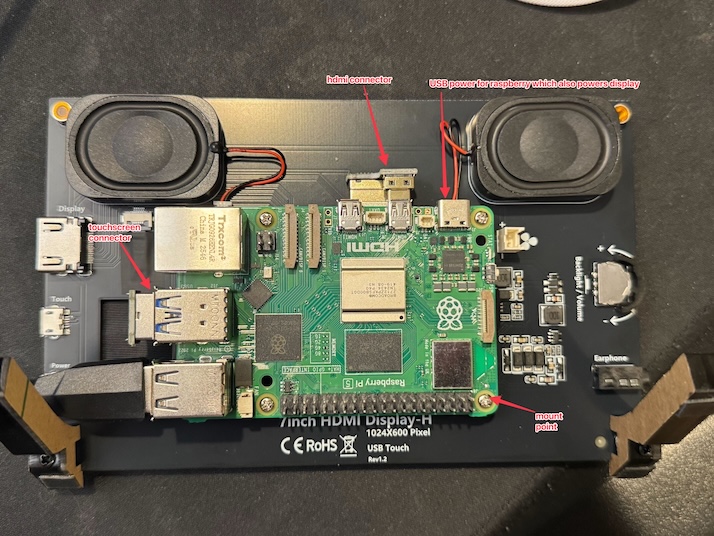
It came with mounting points and screws to mount the Pi to the back of the display, and also came with USB connectors for display/touchscreen and power. This took a few minutes.
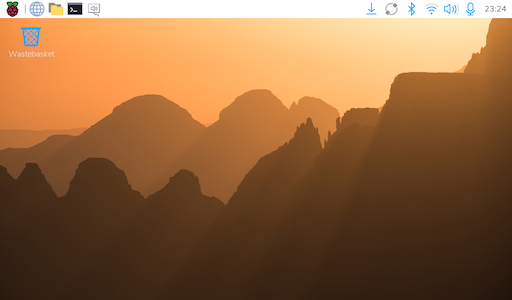
Next up, I couldn't remember how to install Pi software on the SD card, so Claude reminded me. Another 10 minutes.
Now to build the app. First I talked through some planning with Claude, like what language to use and how to deploy changes to the device. Then on to the first feature: an A-weighted sound pressure level meter showing the current sound level and a rolling history. If you're not familiar with the term "A-weighted", A-weighted SPL (dBA) applies a filter that mimics how human ears perceive loudness (de-emphasizing low and very high frequencies), while unweighted SPL (dB SPL or dB Z) measures the raw acoustic pressure equally across all frequencies. I didn't know this until I began this project.
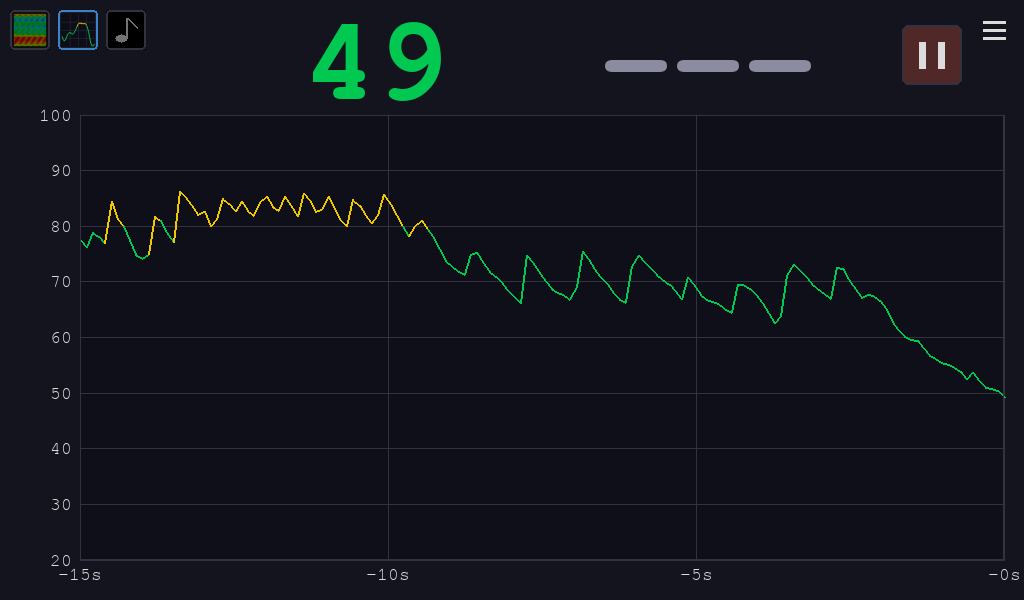
Cool. That was too easy. What else did I want it to do? Within a few hours, I had these features:
- The level meter current and historical view
- A pitch meter, allowing you see the current note, how far from perfect it is, and also a rolling history
- A spectrogram / overtone analyzer. This is a singing tool used to know where the overtones are happening for a given sound you're making.
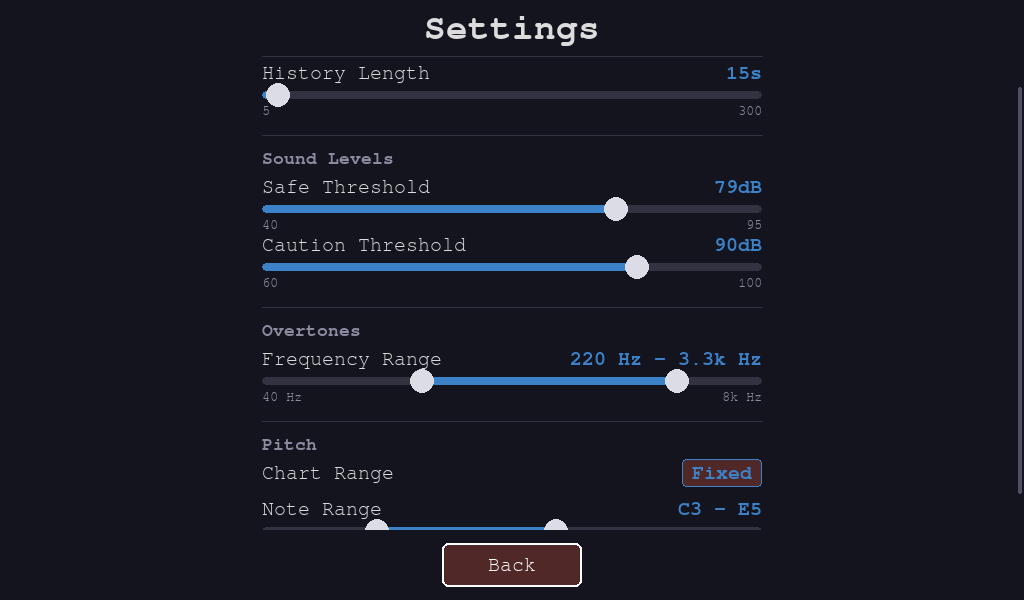
- Plus lots more features like the ability to pause the rolling window and a bunch of settings like what range to display for the pitch, allow for automatic range, level warning thresholds, and how long to show the history window.
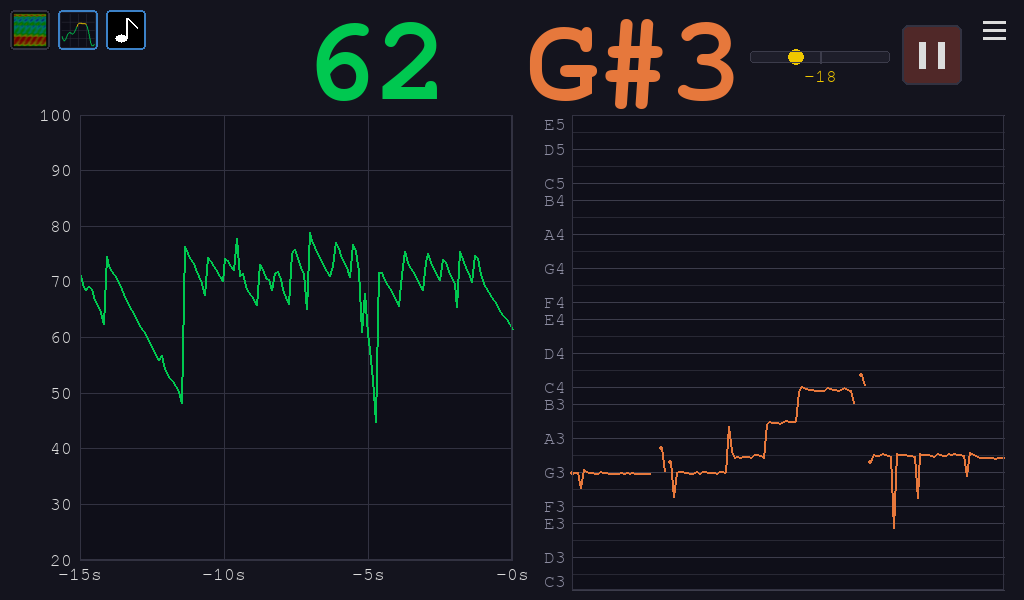
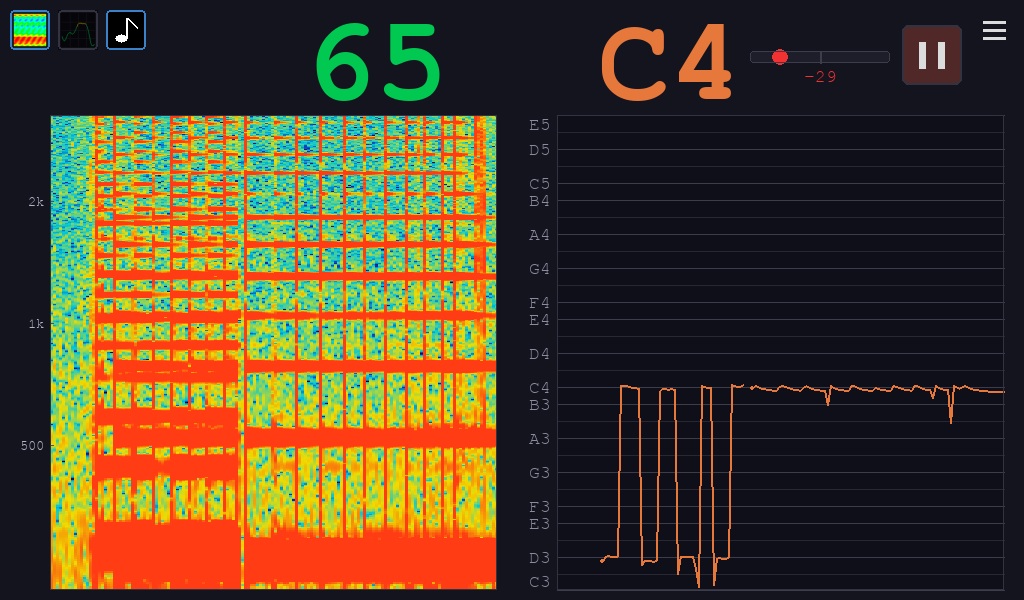
The upper-left of the screen has icons for these three features, and you can display zero, one, or two of them at a time. For example:
Level and pitch.
Spectrogram / Overtone Analyzer and pitch.
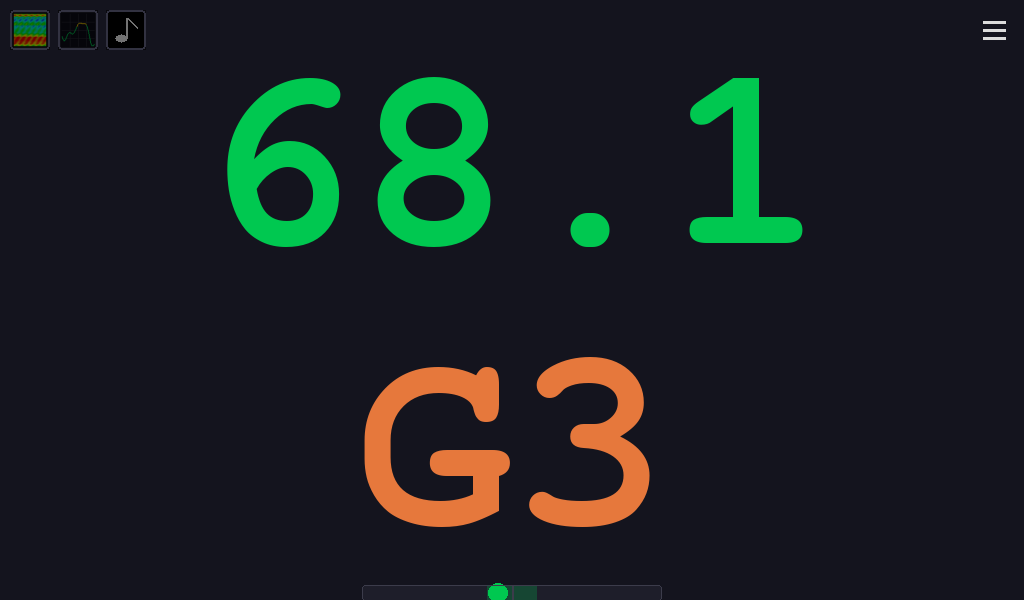
Unselect all the history views to only show the current level and pitch in a larger font.
Configurable settings.
The previous week I had Claude quickly build me an SPL meter in Swift as a desktop app on my Mac. It was ok, but wasn't what I wanted.
This was really fun to build, and it's actually useful. Now I have a tool I can leave running when I'm practicing to help me with pitch, level, and overtones. It was just a few hours of written conversations and testing, which is incredible compared to what I could do before. If you want to make your own, here's the project. If I were to make another, I might get a little larger screen.
It's amazing to think that in a few hours, I made a tool that's ten times more useful and a hundred times more powerful than the dedicated meter I could've bought online, for less than $200.
This is the most fun I've had building software in a long time. The next stage of personal computing has begun.